Fullness
More fullness increases the flat body width you need. Yardage rises when that width requires another full cut per panel, so a small change can sometimes leave the order unchanged and sometimes add two cuts for a pair.
 workroomtools.
 Language
The workroom toolkit
Use this curtain fabric calculator to estimate face fabric and lining from finished dimensions, fullness, hems and straight pattern repeats.
The diagram is schematic, not a full-size cutting template.
Carry the hemmed flat width per panel into a heading tool. Review pleat count, hardware and seam positions there.
Repeat planning uses the original face cut length. The cutting list uses prepared face and lining cuts, with allowances included once.
Work from finished measurements, make your allowances explicit, then review the plan before ordering or cutting.
Enter the total rod coverage you want the drapery body to cover, excluding returns and center overlap. Measure the finished drop from the finished top edge to the bottom hem.
The calculator does not choose mounting height, floor clearance or rod extension for you.
Choose fullness, then enter the flat return and overlap per panel. Use the fabric’s usable width, and enter the total cloth consumed by the top, bottom and each side hem.
For example, a double 4-inch bottom hem consumes 8 inches of cloth; the bottom allowance is 8, not 4.
Review the rounded number of full widths per panel and the excess width to trim. For straight matching, enter the distance along the roll between identical points in the pattern.
Repeat rounding leaves extra length for matching; it does not decide which motif belongs at the top.
Check the breakdown, add any purchase reserve your job needs, and choose an order increment. Then save or export the project and print the cutting list for the worktable.
The diagram and printout show a cutting plan, not a life-size pattern. The CSV lists individual cuts, not uncut purchase reserve.
Two distinctions explain many differences between an estimate and the fabric you actually need.
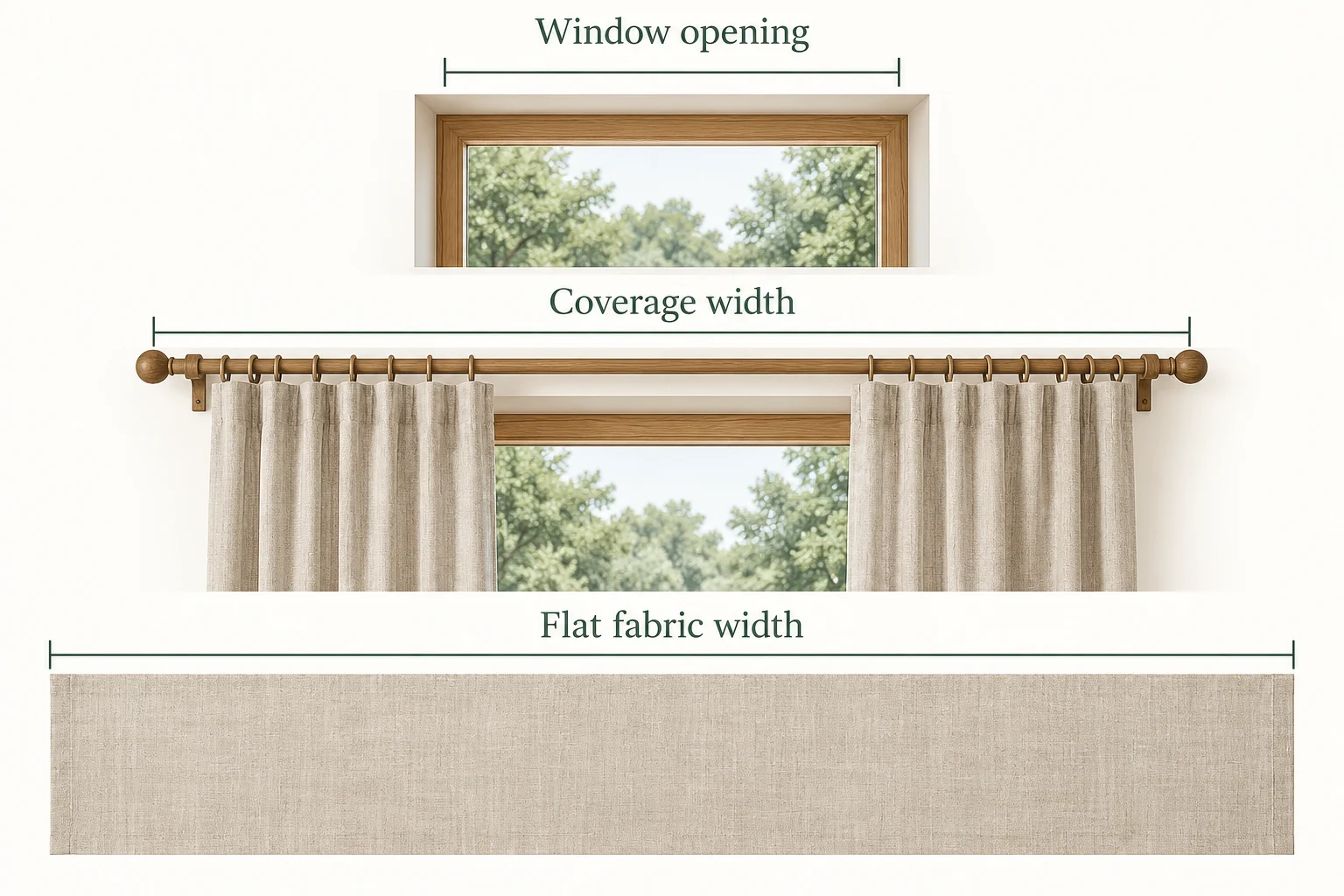
Window opening is the size of the opening itself. Coverage width is the span the finished drapery body must cover along the rod, excluding the separate return and overlap allowances in this tool. It may extend beyond the opening.
Flat fabric width is the fabric spread out before gathering or pleating. This calculator multiplies total coverage by fullness, divides it between panels, then adds the flat return and overlap to each panel. Side hems and seam losses are accounted for after that.
For a solid fabric, finished drop plus the top, bottom and extra length allowances gives the cut length. For a straight vertical repeat, that base length is rounded up to the next whole repeat.
A 96-inch drop with 4 inches at the top and 8 at the bottom makes a 108-inch base cut. With a 24-inch repeat, each cut becomes 120 inches: five complete repeats. Across four cuts, this adds 48 inches before purchase rounding.
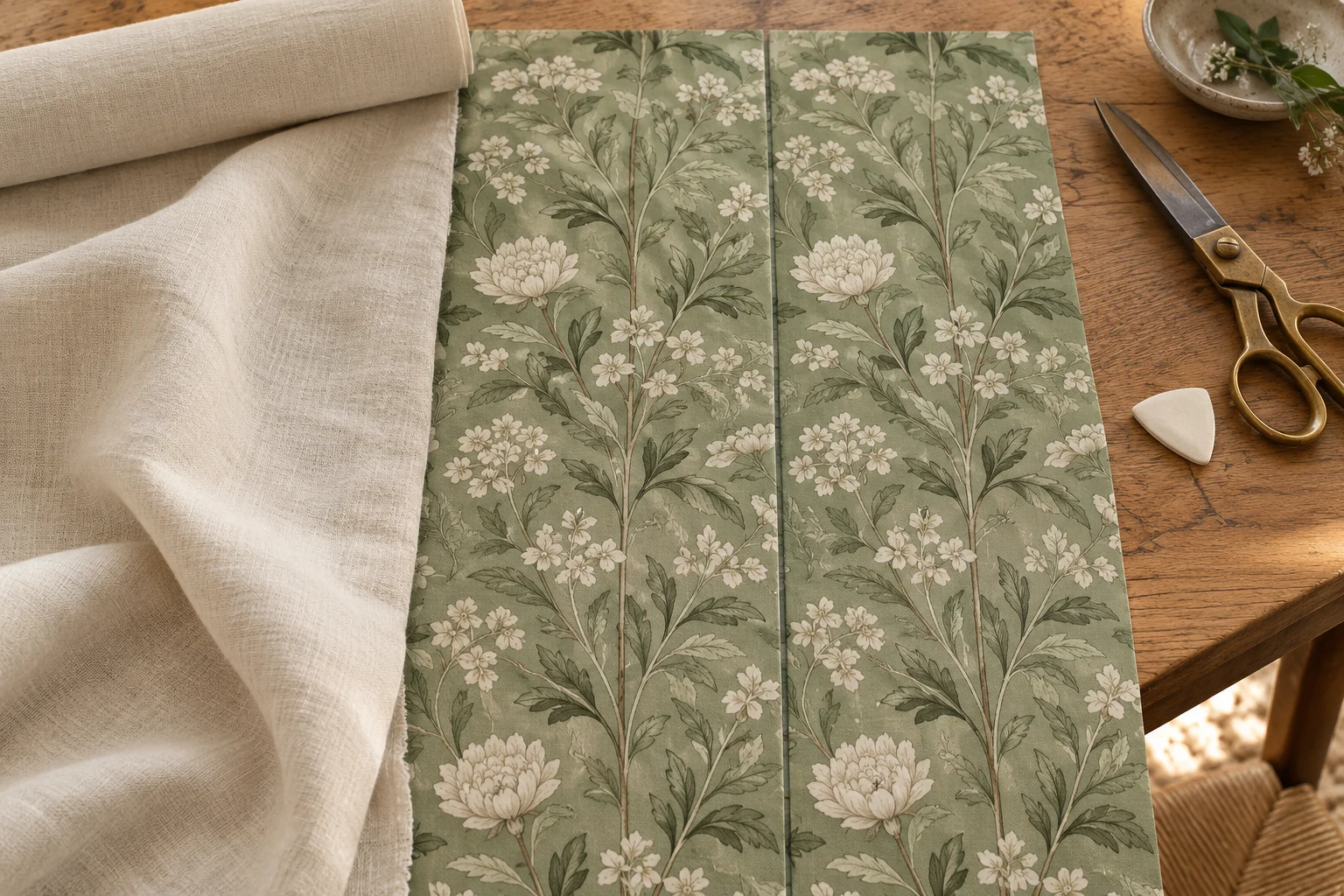
One pair, two fabrics
This example follows the calculator’s full-width method. Both fabrics make the same pair; only the vertical repeat changes. These are demonstration allowances, so replace them with your own workroom settings.
| Calculation | Solid fabric | 24″ straight repeat |
|---|---|---|
| Full widths / number of cuts | 4 | 4 |
| Each cut (width × length) | 54″ × 108″ | 54″ × 120″ |
| Length before purchase rounding | 432″ = 12 yd | 480″ = 13⅓ yd |
| Order in ¼-yard increments | 12 yd | 13.5 yd |
No extra worktable length, pattern start allowance or reserve is included here. In the repeat example, adding 24″ for the start and 36″ of reserve would make the order 15 yd. Lining, if needed, is calculated as a separate material.
Try your measurements in the calculatorYardage depends on construction as well as size. Check these inputs when comparing two estimates.
More fullness increases the flat body width you need. Yardage rises when that width requires another full cut per panel, so a small change can sometimes leave the order unchanged and sometimes add two cuts for a pair.
Use the width available for construction after removing unusable selvages. A narrower usable width can increase the number of cuts. Do not assume the supplier’s nominal roll width is entirely available.
Top and bottom allowances add length to every cut. Side hems add width to each panel’s target. Enter total cloth consumed by all folds, so a doubled hem is fully included.
Each join consumes the stated seam allowance from both joined edges. Two 54-inch widths with a half-inch allowance at each edge give 107 inches after joining, before side hems and trimming.
Straight matching rounds every base cut up to a whole repeat. A separate start allowance can reserve cloth for the first motif. Half-drop and horizontal motif matching need a different cutting plan.
Reserve is an explicit extra length, added once per material. The total is then rounded up to the selected quarter, half or whole yard or meter. No hidden waste percentage or spare repeat is added.
The calculation, explained
Rule version 1.0 · Rectangular panels, full-width vertical cuts.
Multiply coverage by fullness, divide by the panel count, then add the flat return and overlap per panel. Add both side hems to get the required raw width. Choose the smallest whole number of fabric widths that still meets this target after every joining seam consumes an allowance from both edges.
Joined width = (width count × usable width) − 2 × seam allowance × (width count − 1).Add finished drop, top, bottom and extra length for the base cut. Solids use that length directly; straight matching rounds it up to a whole vertical repeat. Multiply by the cut count, add start allowance and reserve once, then round the material order up to your chosen increment.
Order before rounding = (cut length × cut count) + start allowance + reserve.Lining keeps the same flat body target and edge zones, while using its own width, seams and hems. Subtract the chosen shortening from the face drop, then add the lining top and bottom allowances. The solid lining calculation has its own reserve and does not inherit the face fabric’s repeat.
Half-drop matching, railroaded layouts, motif centering, horizontal repeat alignment and partial-width sharing are outside this method. It does not model shrinkage, check stock on an existing roll, or optimize several windows together. Review trim locations, seams and motif placement against the cloth before cutting.
Repeat and cut-length reference: Workroom Tech · Calculating Yardage. Width and edge-zone rules above are explicit rules for this tool; professional workroom review is still pending.
A closer look at coverage, fullness, pattern matching, lining and the assumptions behind your result.
Find the flat width needed for the pair, including your fullness and separate edge allowances. Work out how many usable fabric widths meet each panel’s target after seam losses, then multiply the total cut count by the cut length. Add the entered start allowance and reserve, and round the order upward. The worked example needs 12 yards of solid face fabric, or 13.5 yards with a 24-inch straight repeat; those figures apply only to the example dimensions.
The coverage field is for the whole treatment. Coverage multiplied by fullness gives the total flat body width. For a pair, this is divided equally between the two panels before adding the flat return and overlap per panel. Do not enter the entire treatment width separately for both sides, or multiply each half by the panel count again.
Enter the finished coverage of the drapery body along the rod, not simply the window opening or the distance between decorative finial tips. Choose that coverage from your treatment plan. Enter the flat outside return and leading-edge overlap separately per panel; this calculator adds them after fullness, so do not include them in the coverage field as well.
Use the fullness specified by your heading style, fabric and workroom method. A 2.5× ratio means 2.5 inches of flat body fabric for each inch of finished coverage before the separate edge allowances. The example uses 2.5× to demonstrate the arithmetic; it is not a recommendation for every fabric or pleat style. This tool does not calculate pleat spacing or pleat depth.
This version treats each return and leading-edge overlap as a flat edge zone. For an equal pair, it divides coverage × fullness in half, then adds one return and one overlap to each panel. If your workroom gathers or pleats those zones, the convention is different and you should resolve that construction choice before using this result.
Each panel receives enough complete widths to meet its target after seam loss and side hems. The result shows any excess width to trim. This makes the assumptions explicit, but it can use more cloth than a plan that splits a width between panels. Fractional-width sharing, cut nesting and multi-window optimization are not included.
It includes whole-repeat rounding of every base cut. It does not select or center a motif, plan a half-drop, or align horizontal repeats across seams. The separate pattern start allowance is added once to the face-fabric order. Set it after inspecting where the desired motif starts on the actual roll, and review all joins before cutting.
Lining uses the same target body fullness and flat return/overlap zones as the face fabric, but its width count and cut length are calculated independently. Enter its own usable width, side hems, joining seams, top and bottom allowances, shortening and reserve. Lining drop is face drop minus the chosen shortening. Only solid lining is supported; the face fabric’s pattern repeat is not applied to it.
Only the allowances you enter are included. Top, bottom and extra length apply to each cut; pattern start and purchase reserve apply once per material order; rounding is a separate final step. There is no automatic shrinkage or waste percentage. Establish the dimensions you will actually cut after any fabric treatment and add a suitable explicit reserve for your job.
Yes. Save on this device stores one project in the current browser. Export downloads a project file that can be imported later, and Cut list CSV exports the individual cuts. Print / save PDF opens your browser’s print dialog for Letter or A4. Export a backup before clearing browser data or saving a different job over the local copy. Printed diagrams are schematic, not full-size templates.
Bring your dimensions and your workroom allowances.
One project slot in this browser. Export a file before replacing it or clearing your browser data.