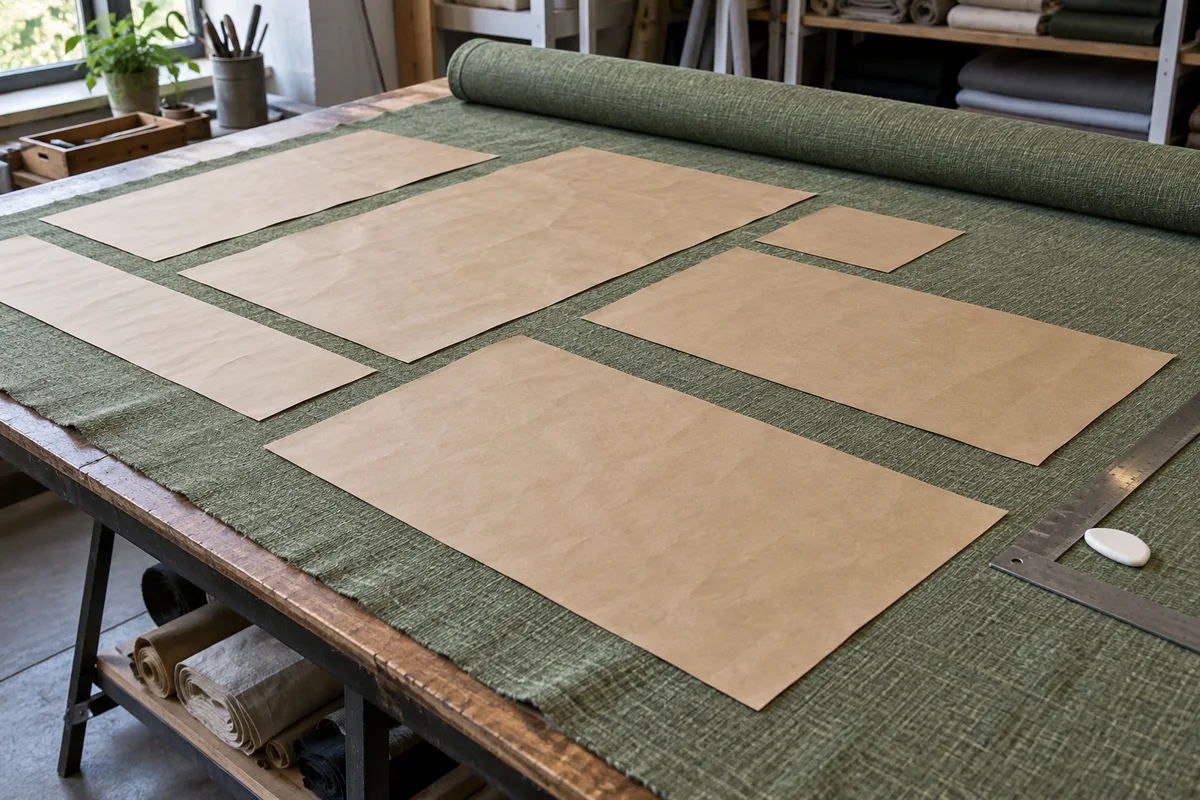
Place prepared rectangular cuts on the fabric you actually have. Compare a roll with usable remnants, keep material batches separate and carry verified positions into a printable cutting record.
Private, on this device
Single-layer rectangular stock and rectangular cuts, without pattern alignment or defect zones. Enter usable dimensions and cut sizes including allowances. Up to 8 stocks, 40 rows and 100 pieces; three bounded placement strategies, with no promise of a global optimum.
EXAMPLE
Example inputs: replace with your measured project.
Download example JSON · Private file processing in this browser. Export a backup for other devices.
Adjust a piece
Select a placed piece on the map, drag it, or move with arrow keys (1 display unit, Shift for 10). Exact coordinates below also work on touch screens. Locked pieces must be unlocked before dragging.
Review direction and all unplaced pieces. Free regions are geometric rectangles; inspect their condition and allow for cutting gaps before reuse.
Independent local project
Saving keeps the current positions and locks on this device.
Build a layout from actual stock
01
Measure usable cloth, not the invoice
Unroll enough material to inspect its edges and condition. Measure the width you can genuinely cut, excluding selvages or damaged strips. A roll needs its available length; a remnant needs both dimensions of a clean rectangle contained within it. Do not use the bounding box of an L-shaped scrap, because its missing corner would be treated as usable fabric. List separate pieces of cloth separately.
02
Enter prepared cuts and identify their batch
Every row describes a raw rectangular cut with its sewing, folding and joining allowances already included. The planner never adds them again. Use stable piece IDs, then enter the number of identical copies. Assign a material name and batch to each row and to the matching stock. The exact pair must agree. A matching color description alone is not evidence that two dye lots can share an order.
03
Decide which pieces may turn
Length normally follows the roll, and width crosses it. A permitted 90-degree turn exchanges those two directions. Leave it disabled for nap, one-way motifs or a grain requirement that rules out crosswise cutting. The program never flips a piece over or turns it through 180 degrees. Changing a permission does not change the physical behavior of your cloth; inspect a sample before allowing the alternative.
04
Arrange, inspect and record
Run the layout after editing dimensions. Calculation happens in a browser worker, so the cancel button remains available. Review all unplaced pieces and inspect each stock diagram. Click a piece to edit exact coordinates, drag an unlocked piece or use the arrow keys. Lock a position that must stay, then run again to arrange the remaining pieces around it. Save JSON and print the accepted revision before cutting.
Use remnants without losing fabric direction
A clean rectangle is a useful inventory unit
A small remnant may fit a cushion plate even when it cannot supply a full curtain width. Measure its usable rectangle and give it a stock ID that you can attach to the physical cloth. Remnants are tried before rolls in this planner. That ordering can reduce new roll usage, but it is a planning preference, not a guarantee that every scrap will be consumed or that the final arrangement is the best possible one.
Direction remains a construction decision
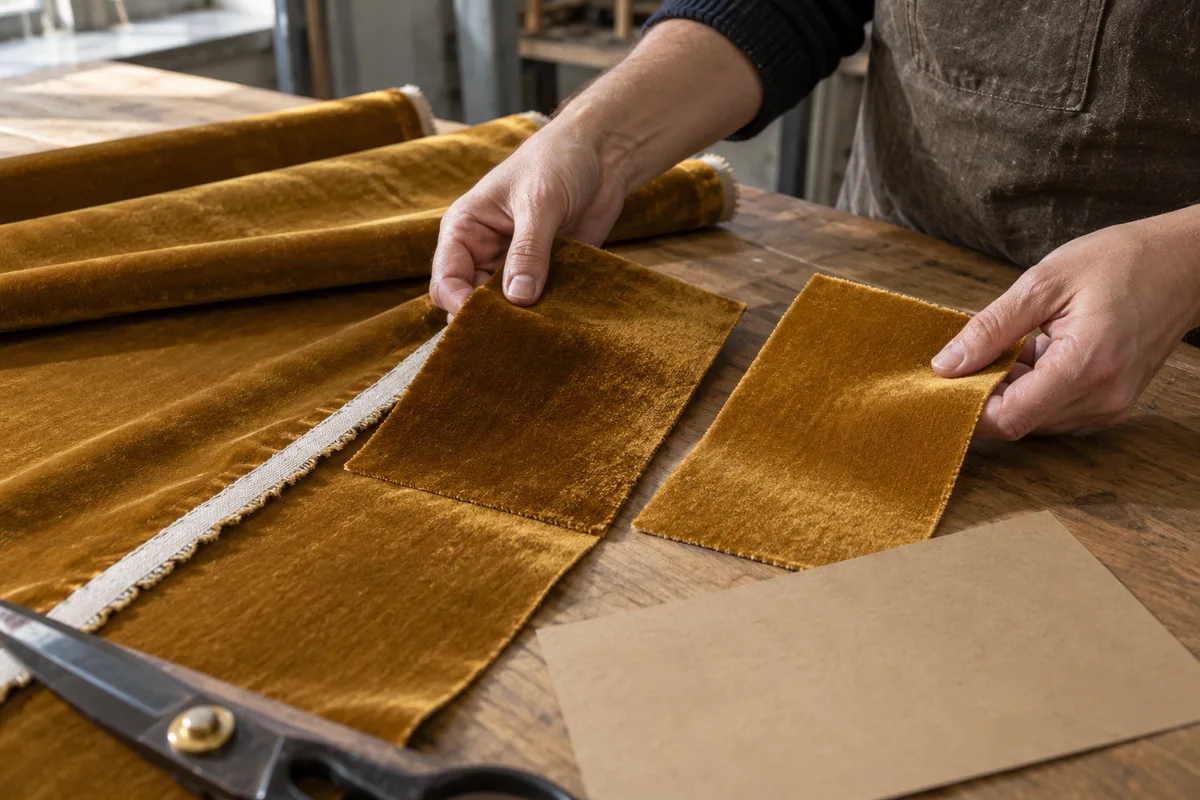
Velvet and other directional materials can change appearance when viewed from opposite directions. Pieces that look interchangeable as rectangles may produce visibly different finished panels. Keep the orientation rules with the project and check the cloth in the intended installation light. Rotation is an explicit permission on each cutting row. It is not enabled automatically just because an alternative would fit a smaller space.
Check the numbers
Three plates, two strips and one remnant
The English example has a 24 × 24-inch remnant and a 54 × 120-inch roll, both called Linen, batch A. It requests three 20 × 20-inch plates and two 6 × 40-inch strips, with no rotation and zero spacing.
One plate fits on the remnant. Its area is 400 square inches out of 576, giving approximately 69.44% utilization of that entire remnant. The remaining space is not one rectangle, so the free-regions export divides it into separate nonoverlapping rectangles.
The two remaining plates can stand side by side across the 54-inch roll. The two narrow strips fit beside them in the same occupied depth: 20 + 20 + 6 + 6 = 52 inches. The strips make that depth 40 inches even though the plates are only 20 inches long.
The roll contains 1,280 square inches of pieces within 54 × 40 = 2,160 square inches of occupied stock. Utilization is approximately 59.26%. A full-width tail of 80 inches remains beyond the used depth. It is not included in the occupied-length utilization denominator.
Add a positive cutting gap or lock a plate in another location and run again. The arithmetic and coordinates will change. An arrangement that fits with touching edges does not prove it will fit with a spacing requirement, and a locked position may prevent a more compact layout.
A long strip may have less area than a wide short remnant and still be impossible to place in it. Each permitted orientation must fit both stock dimensions, and every placed rectangle must avoid other pieces plus the chosen spacing. An unplaced result can therefore be correct even when the sum of available square inches looks generous.
Keep batches and stocks distinct
Different materials and batch identifiers are never mixed automatically. A blank batch is still a specific value; it matches only another blank batch. Rename both the cutting row and its intended stock when correcting an identifier. If an existing lock now refers to the wrong material, clear that position or restore the correct reference before running again.
Preserve a deliberate placement
A lock keeps the selected stock, coordinates and rotation through another arrangement run. Locks are checked for bounds, direction, material and collisions just like automatic positions. They cannot force an impossible layout to become valid. Editing dimensions removes unlocked positions, so an old diagram is never silently presented as the result of new cutting sizes.
Treat free regions as a measuring aid
The remainder export partitions geometric space not occupied by pieces. These rectangles do not overlap one another, but they are not a promised cutting sequence or a defect inspection. They can include the spacing kept between pieces. Check grain, damage and the practical access for cutting before recording any of these areas as reusable remnants.
The method, explained
How the arrangement is found
Rule version 1.0.0
Expand copies, then respect fixed positions
A quantity row becomes individual physical pieces with stable numbered suffixes. Valid locked placements are kept. Other pieces are tried in three orders based on area, longest side and width. Within matching stock, candidate positions come from the top-left origin and existing piece edges. Remnants are considered before rolls. Every accepted candidate must pass the same geometric and direction checks.
Compare feasible results transparently
The search favors more placed pieces, then greater placed area, then less occupied roll area. It is a bounded heuristic, not exhaustive nesting. A piece can remain unplaced because there is no matching stock, because it is too large in every allowed direction, or because the search found no free position. Try manual placement, fewer locks or different stock when a useful arrangement seems possible.
Report material use without changing cut sizes
Used roll depth is the farthest occupied lower edge. Roll utilization divides piece area by usable width times that depth. A remnant uses its full entered area as the denominator. Full-width tail length is available length minus used depth. Coordinates retain the selected unit, while stored dimensions stay in a common physical unit for reliable file and language round trips.
Import a project from the cutting-list tool after confirming that these pieces do not require pattern alignment. Sizes and quantities are carried over without another seam allowance. Material and group become matching identifiers. The generated stock sizes are placeholders: replace every one with measured inventory. Original motif phases and roll positions are not retained.
Is this a fabric cutting optimizer with guaranteed minimum waste?
It searches several practical rectangular arrangements and validates the result, but does not prove a mathematical optimum. A different manual arrangement may be better. Compare placed counts, occupied roll length and useful remaining regions rather than treating one utilization percentage as a complete judgment of the job.
Why does a piece remain unplaced when there is spare fabric?
Check both dimensions, rotation permission, material and batch first. Then inspect locks and cutting gaps. Unused area can be fragmented into shapes that do not fit the requested rectangle. The report distinguishes a missing matching stock, a size problem and a position that the search did not find.
Can I use patterned or striped fabric?
This version does not solve motif matching, stripe alignment or half-drop repeats. Direction can be held, but direction alone does not preserve a particular motif. Use a dedicated pattern-placement plan where alignment matters, and do not import those cuts under the no-pattern-alignment confirmation unless you have independently resolved that requirement.
Can I rotate all the cuts to save fabric?
Only if the fabric and finished construction permit it. Enable 90-degree rotation per row after checking the weave, stretch, nap and design. The program does not reverse face and back or produce mirrored printed cloth. All copies of a row share the same rotation permission.
Are my files uploaded or saved automatically?
The tool processes files and calculations on this device. Use Save on this device to retain one local project, including positions and locks, or export JSON for a separate backup. CSV and PDF are cutting records; they do not restore the editable project. Clearing this tool’s saved copy leaves other tools’ projects alone.
Take the plan to your worktable.
Review the measurements, keep a backup and print a proof.